My results not recorded
For each campaign we track progress in 24-hour periods from its start; this is a background process triggered in 30-minute intervals.
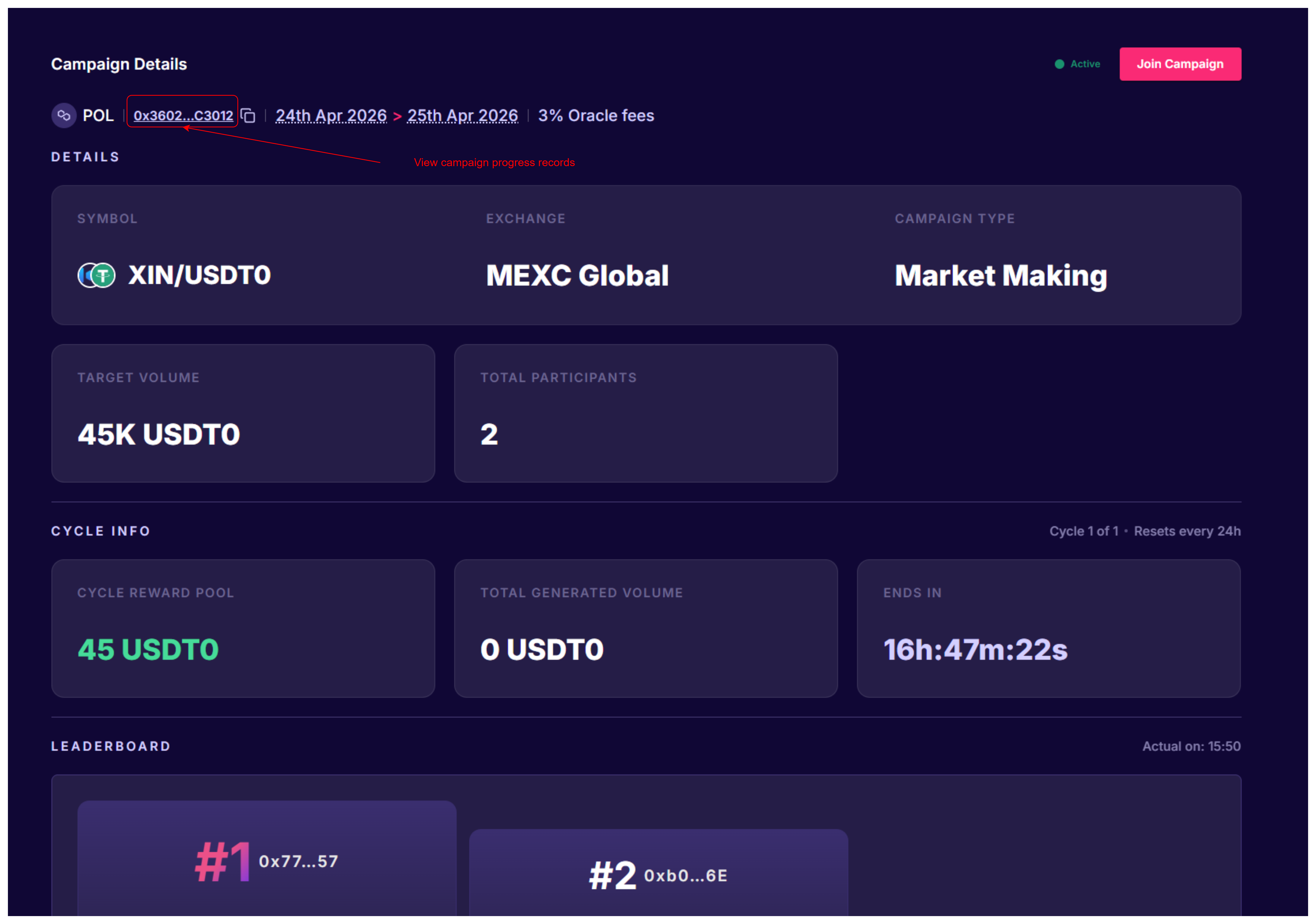
In order to check recorded campaign progress, please:
- Open campaign details page
- Find intermediate results block
- Click "Open in new tab" icon
Note
If you don't see latest interval in campaign results records, it might be due to delays in processing.
If you were registered to a campaign and contributed into its progress within some progress interval, you should be able to find your account's wallet address in the progress records for corresponding interval.
If you don't see your wallet address in the proggress records for corresponding interval, then one of the following could have occurred:
- provided API key was invalid (didn't have necessary permissions) or expired at the moment of progress recording; please double-check that your API key is valid
Warning
Once your API key is added - you must make sure it doesn't expire and remains valid. We won't be able to update/renew it. If API key becomes invalid - you will be excluded from progress recording until it becomes valid again.
- you joined the campaign, later removed API key and connected a new one, but didn't re-join the campaign
Warning
When you remove an API key for an exchange, system automatically ends all participations in related campaigns (i.e. campaigns for the same exchange). In case you connect new API key after that and don't want to lose your progress - you will need to re-join all needed campaign again.
- you are not a participant of this campaign
If none of the above is true and you are assured that there is some issue on our end - please reach out to us at contact@hu.finance